
Launch your WhatsApp
Agent with zero code, in minutes.




Or start from one of these templates
- 1 Define its behaviour
- 2 Connect to WhatsApp
How it works
Three steps, and none of them is an API application.
You link your own WhatsApp by scanning a QR, the same way WhatsApp Web does. No Business API, no approval queue, no waiting on Meta.
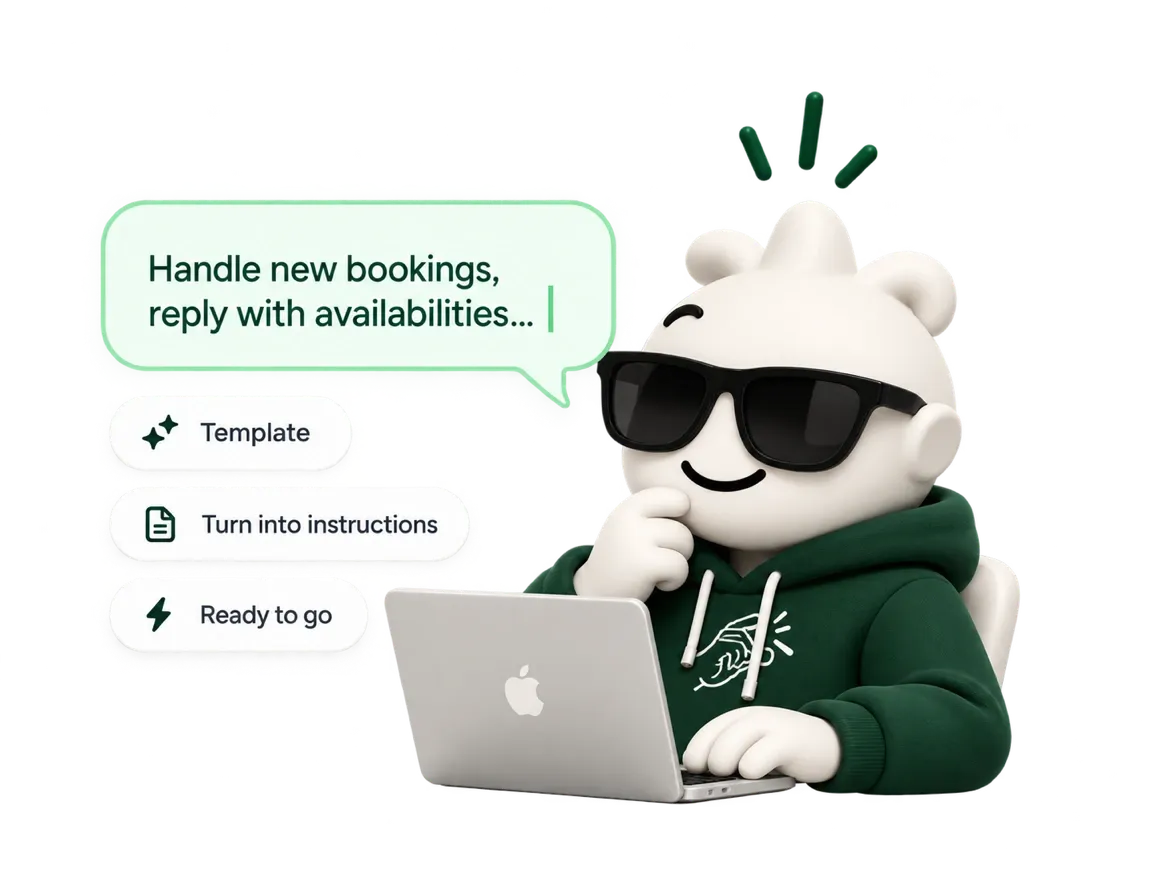
Write what it should do
Type it in plain language, or start from a template. Peachy turns it into structured instructions you can read and edit — not a black box.
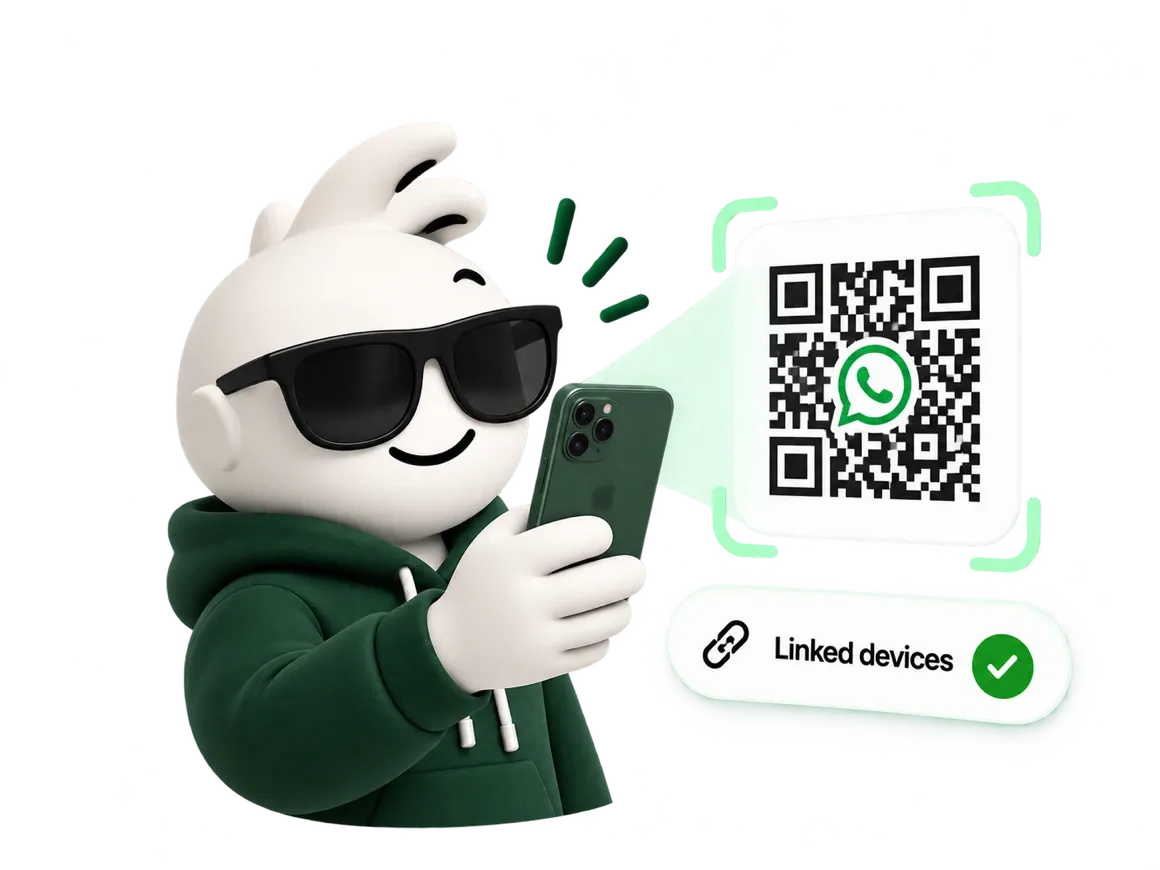
Scan the QR
WhatsApp → Linked devices → Link a device. Your number keeps working exactly as it did; the agent joins it as another device.
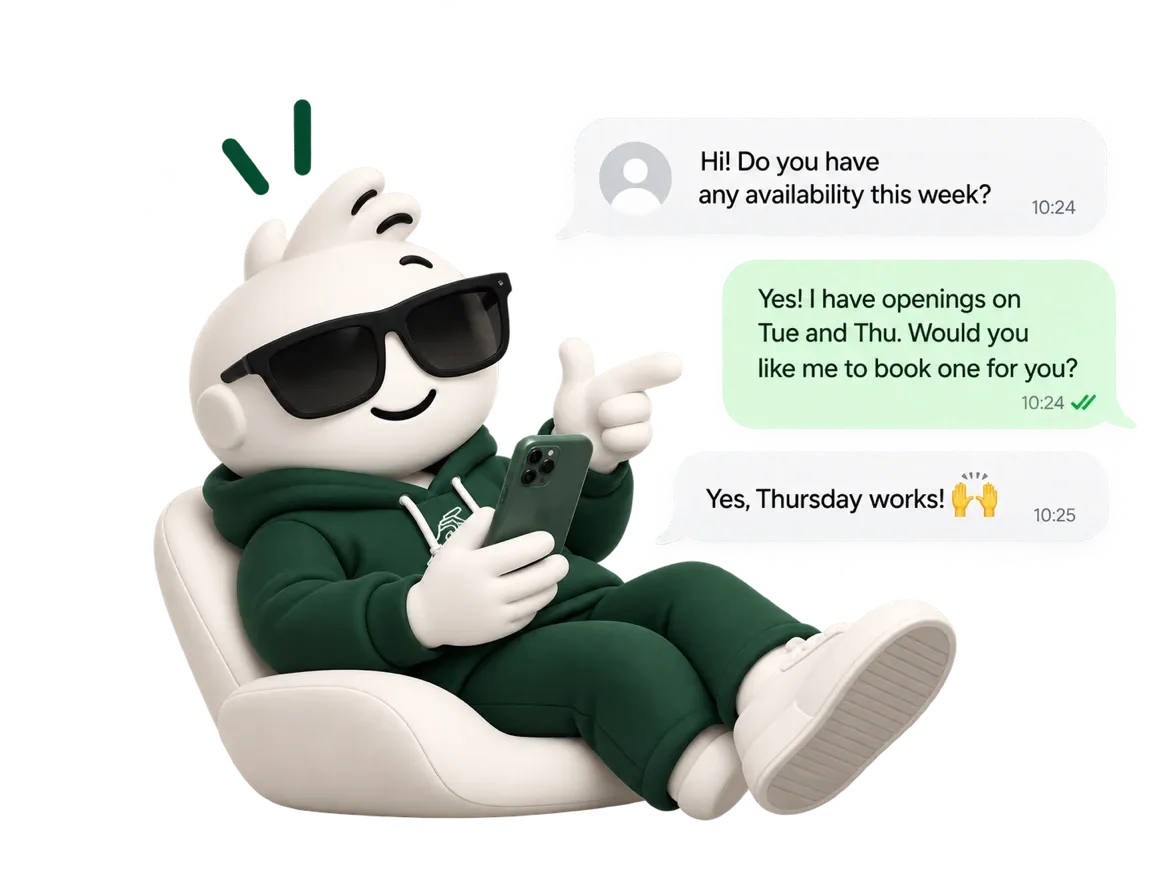
It answers
Every incoming message is handled by your instructions. Reply from your own phone at any time and the agent steps back from that conversation.
Templates
Start from a working agent, not a blank box.
Each template arrives with the rules other businesses learned the hard way already written in — what to do with a no-show, when to escalate, what never to promise.
Booking agent
Checks real availability, books, reschedules and cancels. Knows your opening hours per resource, and refuses a slot the calendar cannot honour.
Lead qualification
Asks one thing at a time, records the answers in your sheet, and hands over a contact that is already worth calling.
Customer support
Answers from what you wrote and nothing else. When it does not know, it says so and escalates instead of inventing.
Super admin
Give your agent orders from WhatsApp. Same number.
Write in your own chat with yourself and the agent answers you as the owner, not as a customer. Ask for today's numbers, change what it tells people, fix a booking.
- No second phone. WhatsApp's own “message yourself” chat is the console.
- Customers never see it. Admin commands are a separate queue from the one that answers your clients.
- Off by default. You turn it on in the dashboard, and every command is logged.
Integrations
What it can reach, and what it cannot yet.
Listed honestly, because an agent that promises something it cannot do costs you the customer, not us.
 Google Drive & SheetsWrite a row per lead, read your files Live
 Google CalendarTwo-way sync with your own calendarComing soon
Pricing
Priced per message, in both directions.
A message is a message whether it is text, a voice note, a photo or a PDF — and what your customer sends counts too, because that is what the agent had to read.
When the quota runs out the agent tells you and pauses — it never goes quiet without saying so.
FAQ
The four things everyone asks first.
Do I need the WhatsApp Business API?
No. You link your existing number by scanning a QR, exactly like WhatsApp Web. There is no application to Meta, no approval, and no per-conversation fee from WhatsApp.
What counts as a message?
Everything sent and everything received, text or media. A customer who writes five lines and gets one answer uses six. We count it that way because it is what the agent actually had to read and write.
Can I take over a conversation?
Yes, and you do not have to press anything. Reply from your own phone and the agent stops answering that contact, keeping the history. Turn it back on from the inbox when you are done.
What happens when I run out of messages?
The agent tells you and pauses. It never keeps answering into an overage you did not agree to, and it never goes silent without an explanation.
Your number already gets the messages. Now it can answer them.
Write one prompt, scan one QR. If it is not answering the way you want in ten minutes, you have lost ten minutes.
Start for Free